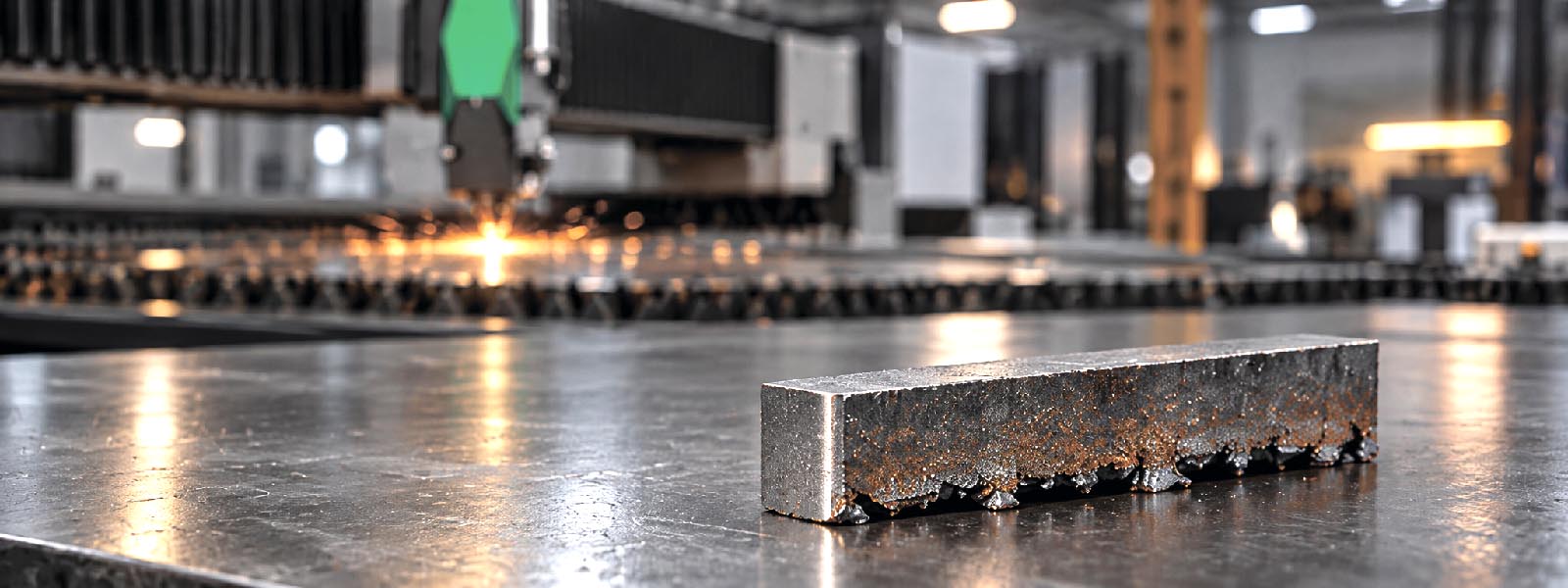
Burrs, dross and rough edges are among the most common problems in fiber laser cutting. They can appear suddenly, even if the same machine cut well before.
The problem is not always caused by the laser source or cutting head. In many cases, poor edge quality is related to nozzle condition, assist gas, focus position, cutting speed, material quality or consumable wear.
This article explains what should be checked first when burrs, dross or poor edge quality appear on laser-cut parts.
Why Edge Quality Problems Must Be Diagnosed Carefully
Poor edge quality affects more than appearance. Burrs and dross increase secondary processing, slow down production and may create problems during welding, painting or assembly.
If the operator starts changing many parameters at once, the real cause can be hidden. A better approach is to check the most common and simplest causes first.
Start with:
- nozzle condition;
- nozzle centering;
- protective window condition;
- ceramic body condition;
- assist gas pressure and purity;
- focus position;
- cutting speed;
- material surface;
- cutting database;
- piercing quality.
Only after these points are checked should deeper problems be considered.
What Is the Difference Between Burr and Dross?
In daily production, the words burr and dross are often used together, but they describe slightly different problems.
Burr is rough material left on the cut edge. It can be small, sharp or uneven.
Dross is molten material that solidifies on the lower edge of the part. It can look like drops, beads or a thick layer of attached metal.
Both problems mean that molten material was not removed correctly from the cut zone.
This can happen because of wrong gas flow, wrong focus, incorrect speed, poor piercing, contaminated optics or unstable material conditions.
Check the Nozzle First
The nozzle is one of the first parts to inspect when burrs or dross appear.
Check for:
- damaged nozzle hole;
- spatter on the nozzle tip;
- oval or enlarged orifice;
- incorrect nozzle diameter;
- wrong nozzle type;
- off-center beam position;
- contamination inside the nozzle;
- incorrect installation.
A damaged nozzle can disturb assist gas flow. Even a small defect can change how molten metal is removed from the kerf.
If burr appears suddenly after a nozzle change, check whether the new nozzle is correct for the material, thickness, gas and cutting head.
Do not continue adjusting speed and power before confirming that the nozzle is clean, undamaged and correctly centered.
Check Nozzle Centering
Nozzle centering affects gas flow around the laser beam. If the beam is not centered in the nozzle orifice, one side of the cut may become worse than the other.
Signs of poor centering include:
- one side of the part has more burr;
- cut quality changes with direction;
- piercing is unstable;
- kerf width is uneven;
- dross appears on one side more than another.
After replacing the nozzle, ceramic body or cutting head parts, centering should be checked according to the machine procedure.
A correct cutting parameter cannot compensate for badly centered gas flow.
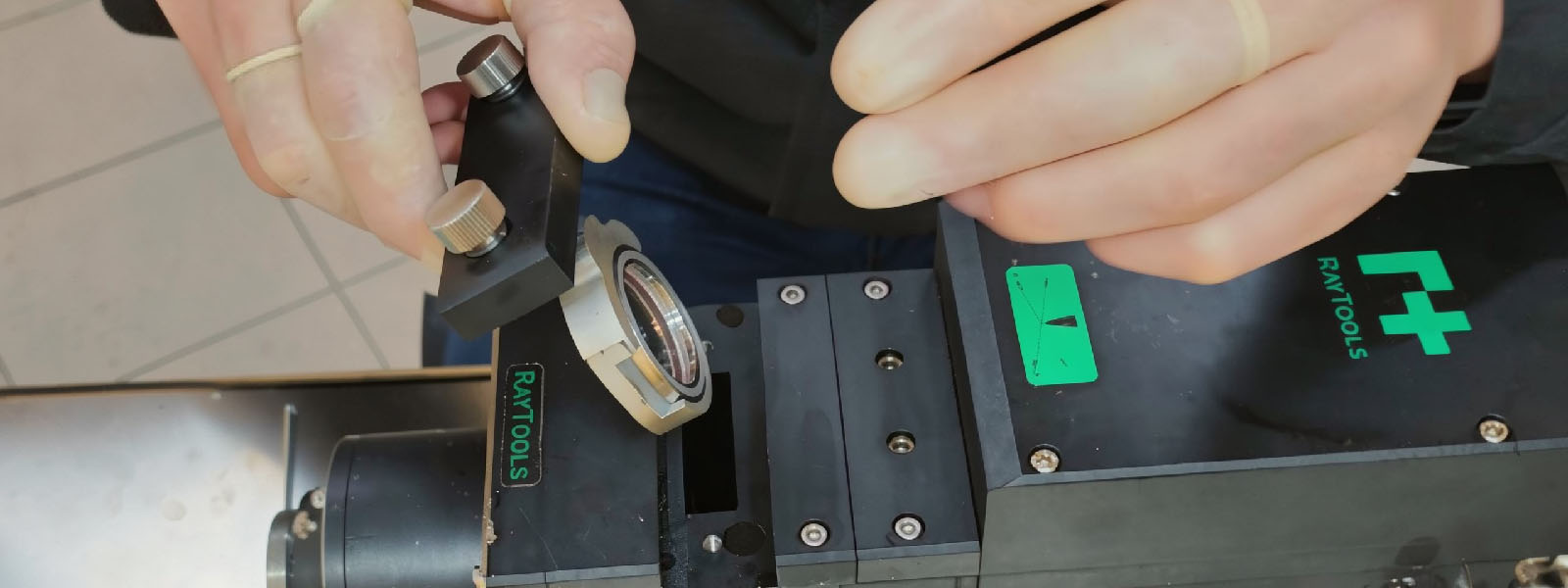
Check the Protective Window
A dirty or damaged protective window can reduce power at the workpiece and make the beam unstable. This may cause poor piercing, rough edges and more dross.
Check the protective window if:
- cutting quality became worse without changing parameters;
- the machine cuts well at the beginning but worse after some time;
- piercing became unstable;
- several materials show poorer edge quality;
- dross appears with normal gas and speed settings.
Look for dust, stains, burn marks, scratches, cloudy areas or coating damage.
If the window is burned or deeply contaminated, replacement is safer than cleaning. A damaged protective window can also create risk for internal optical components.
Check the Ceramic Body or Ceramic Ring
The ceramic body helps position the nozzle and supports stable height sensing. If it is cracked, dirty or incompatible, the nozzle may not sit correctly.
Check for:
- cracks;
- chips;
- loose fitting;
- damaged thread area;
- dirt or spatter;
- unstable nozzle seating;
- height sensor errors;
- nozzle contact with the sheet.
If poor edge quality starts after replacing the nozzle or ceramic body, check part compatibility and installation before changing cutting parameters.
A new nozzle installed with a damaged ceramic body may still produce unstable cutting.
Check Assist Gas
Assist gas removes molten metal from the cut. If gas pressure, flow or purity is wrong, burr and dross can appear quickly.
Check:
- correct gas type;
- gas pressure;
- pressure stability during cutting;
- hose and fitting leaks;
- regulator condition;
- filter condition;
- moisture or oil in compressed air;
- gas purity;
- sufficient flow capacity.
For stainless steel and aluminum, nitrogen quality and pressure are especially important. For carbon steel, oxygen settings and cutting chemistry are critical.
If the pressure shown on the machine is correct, but the cut is still poor, check whether the pressure remains stable during actual cutting.
Check Focus Position
Focus position has a strong effect on edge quality. If focus is too high or too low, the energy distribution in the cut zone changes.
Wrong focus can cause:
- rough edge;
- thick dross;
- poor piercing;
- wider kerf;
- incomplete cutting;
- overheating of the lower edge;
- unstable quality on thicker material.
Focus should be checked after changes to the cutting head, lens, protective window, nozzle, material thickness or cutting database.
Do not change focus randomly. Make controlled adjustments and compare test cuts.
Check Cutting Speed
Cutting speed must match material, thickness, gas and power.
If speed is too high, the material may not be fully cut or molten metal may not leave the kerf correctly.
If speed is too low, too much heat can enter the material. This can also create dross, rough edges and wider heat-affected areas.
Signs of wrong speed include:
- dross along the full cut;
- rough edge;
- unstable corners;
- poor cutting in small contours;
- excessive heat marks;
- parts that require heavy grinding after cutting.
Use the correct cutting database as a starting point, then make small changes and record the result.
Check Material Condition
Sometimes the problem is not the machine. Material quality and surface condition can change cutting behavior.
Check:
- rust;
- oil;
- paint;
- protective film;
- scale;
- uneven thickness;
- poor flatness;
- different material grade;
- different batch from supplier.
If one batch cuts well and another creates burr at the same settings, inspect the material before changing the machine setup.
For consistent cutting, material must be stable, flat and correctly matched to the cutting program.
Check Piercing Quality
Bad piercing can affect the full cut, especially on thicker materials.
Poor piercing may create:
- excessive spatter;
- nozzle contamination;
- protective window contamination;
- rough start points;
- dross near lead-in;
- unstable cutting after piercing.
Check piercing height, power ramp, piercing time, gas pressure and lead-in strategy.
If the nozzle or protective window becomes dirty quickly, the piercing process should be checked before replacing parts again.
Troubleshooting Table
| Symptom | What to check first |
|---|---|
| Burr appears suddenly | Nozzle, protective window, gas pressure |
| Dross on lower edge | Speed, focus, gas flow, nozzle diameter |
| One side of cut is worse | Nozzle centering, ceramic body, beam alignment |
| Rough edge on all parts | Focus, protective window, cutting speed |
| Bad quality after nozzle replacement | Nozzle type, nozzle size, centering, ceramic body |
| Quality drops after several minutes | Protective window heating, cooling, gas stability |
| Poor piercing and dross | Piercing settings, gas pressure, nozzle condition |
| Problems only on one material batch | Material surface, grade, thickness, flatness |
| Dross in corners | Speed control, lead-in, acceleration, gas flow |
| Frequent nozzle contamination | Piercing, stand-off distance, back spatter |
This table gives first inspection points, not a final diagnosis.
Basic Check Sequence
When burrs or dross appear, use a simple sequence:
- Inspect the nozzle.
- Check nozzle centering.
- Inspect the protective window.
- Check the ceramic body or ceramic ring.
- Confirm assist gas pressure and purity.
- Check focus position.
- Check cutting speed.
- Inspect material surface and thickness.
- Check piercing settings.
- Make a controlled test cut.
This sequence helps avoid unnecessary changes and reduces downtime.
Conclusion
Burrs, dross and poor edge quality usually have a practical cause. The most common areas to check are nozzle condition, centering, protective window, ceramic body, assist gas, focus, speed, material condition and piercing quality.
Do not start with complex adjustments. Start with the parts and settings that directly affect gas flow, beam delivery and molten metal removal.
Stable edge quality depends on a stable process. Correct consumables, clean optics, reliable gas supply and controlled cutting parameters are the first things to check before deeper troubleshooting.