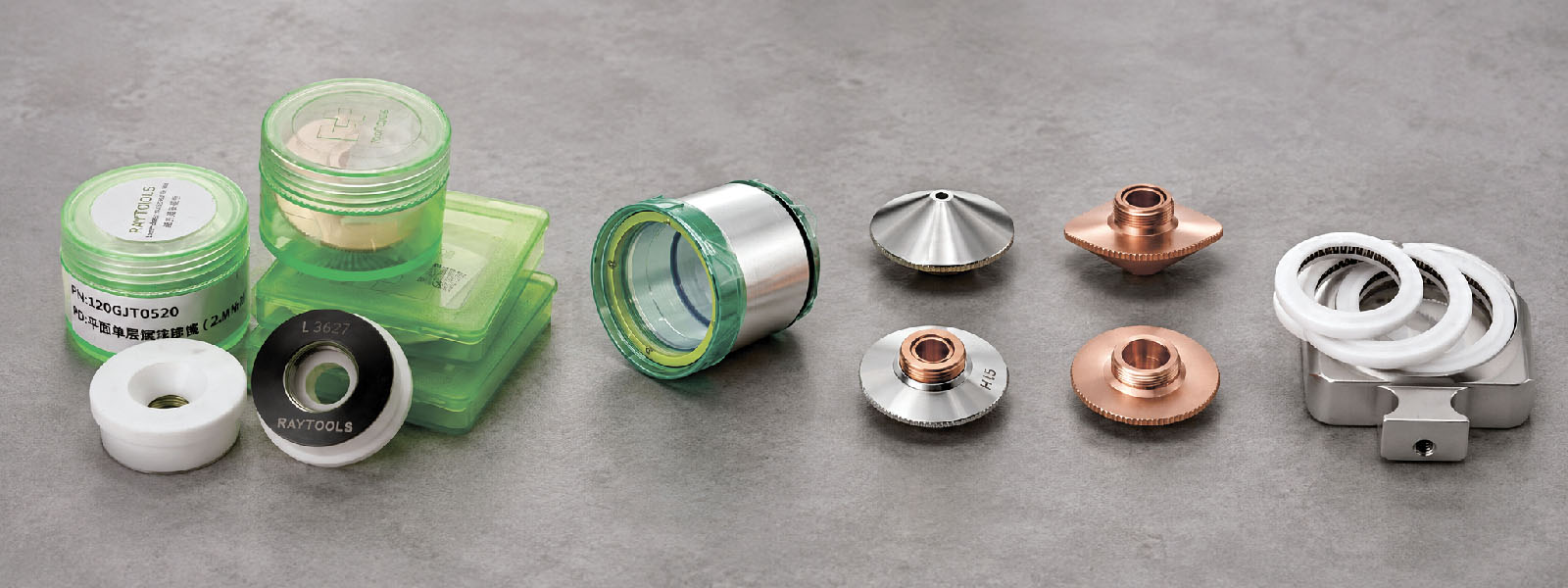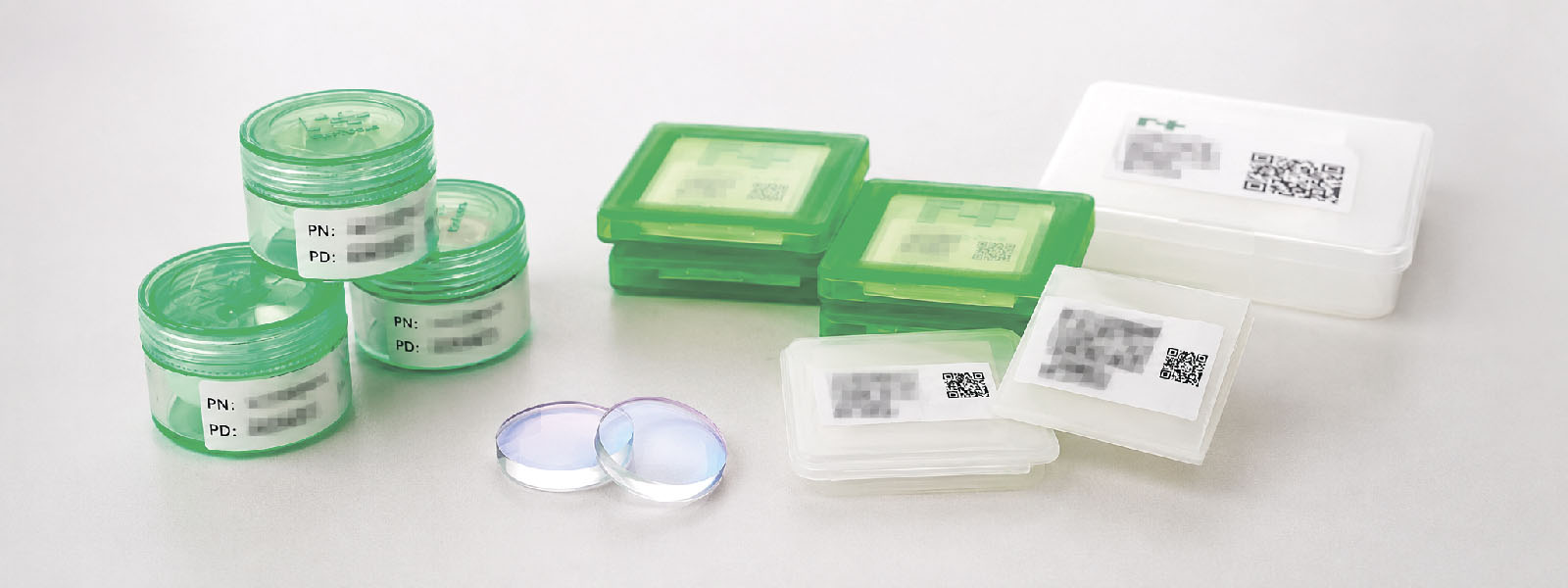
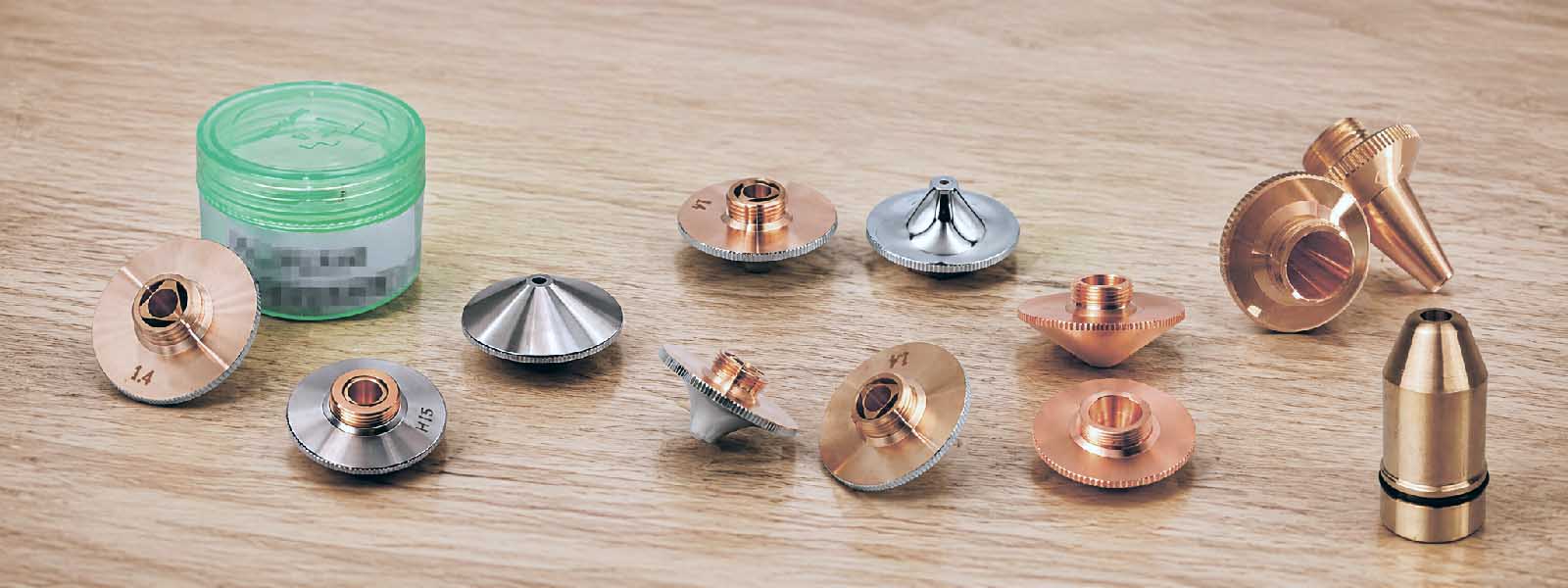
The nozzle is a small consumable part, but it has a strong effect on fiber laser cutting quality. A wrong or damaged nozzle can cause burrs, unstable piercing, poor edge quality, high gas consumption and repeated process problems.
For a RayTools laser cutting head, the nozzle must match more than just the hole diameter. It must be suitable for the cutting head model, material, thickness, assist gas, laser power, cutting database and beam alignment.
This article gives a practical method for choosing and checking a nozzle before production.
Why Nozzle Selection Matters
The nozzle controls how assist gas enters the cutting zone. The laser beam melts or burns the material, and the gas jet removes molten metal from the kerf. If the gas flow is weak, unstable or off-center, the cutting process becomes unstable.
A wrong nozzle can lead to:
- burrs on the lower edge;
- unstable piercing;
- poor or uneven edge quality;
- excessive gas consumption;
- overheating of the nozzle;
- faster contamination of the protective window;
- unnecessary changes to cutting parameters.
For this reason, nozzle selection is not only a purchasing task. It is part of the cutting process.
What the Nozzle Does
In a fiber laser cutting head, the nozzle has several functions.
First, it directs assist gas into the cutting zone. The gas must reach the kerf with enough flow and stability to remove molten material.
Second, it helps keep the gas jet aligned with the laser beam. If the gas flow and beam are not aligned, one side of the cut may be worse than the other.
Third, the nozzle works together with the ceramic body and height sensing system. After replacing the nozzle or ceramic body, the machine may require calibration according to the machine procedure.
Fourth, the nozzle helps protect the lower part of the cutting head from spatter and contamination. A damaged nozzle can increase the risk of back spatter and optical contamination.
Start with the RayTools Head Model
Before choosing a nozzle, identify the exact RayTools cutting head model.
Do not select a nozzle only by visual shape. Similar nozzles may have different thread types, seating geometry, dimensions or compatibility. A nozzle that looks similar may not fit correctly.
Check:
- RayTools cutting head model;
- nozzle thread;
- seating surface;
- nozzle diameter;
- nozzle type;
- ceramic ring compatibility;
- existing nozzle marking;
- machine cutting database.
This is especially important when the machine was supplied by another company or when the original spare parts list is not available.
Material and Thickness
Material and thickness are key parameters.
Carbon steel, stainless steel, aluminum, brass and copper behave differently during laser cutting. They have different thermal conductivity, reflectivity, oxidation behavior and melt removal behavior.
As a practical rule:
- thin sheet usually needs a smaller and more controlled gas jet;
- thicker plate usually needs stronger and more stable gas flow;
- stainless steel and aluminum often depend on high-pressure nitrogen cutting;
- carbon steel may be cut with oxygen, nitrogen, air or mixed gas, depending on the required edge quality and productivity;
- reflective materials require careful process control and should follow the machine cutting database.
Do not assume that a larger nozzle automatically improves cutting. A larger opening can increase gas consumption and make the gas jet less stable if the gas system is not suitable.
Also, do not assume that a smaller nozzle is always better. If the opening is too small for the process, it can restrict gas flow and make melt removal worse.
Assist Gas: Oxygen, Nitrogen or Air
The assist gas changes the cutting process and affects nozzle choice.
Nitrogen is commonly used when a clean, oxide-free edge is required. It is often used for stainless steel, aluminum and parts where edge quality is important. Nitrogen cutting usually requires higher pressure and higher gas consumption than oxygen cutting.
Oxygen is reactive. It supports an exothermic reaction, especially when cutting mild steel. This can help when cutting thicker carbon steel, but it also creates an oxidized edge. Oxygen cutting is sensitive to focus, pressure, nozzle condition and beam alignment.
Compressed air is often used where cost is important and edge requirements are less strict. Air contains oxygen, and moisture risk must be controlled. For stable cutting, compressed air must be clean, dry and supplied at stable pressure.
Gas type affects:
- nozzle diameter;
- gas pressure;
- gas consumption;
- cut edge appearance;
- burr formation;
- piercing behavior;
- process stability.
A nozzle that works well for nitrogen may not be correct for oxygen cutting, and the opposite is also true.
Nozzle Diameter: What It Changes
Nozzle diameter affects gas flow, gas consumption and melt removal.
A small nozzle opening can create a concentrated gas jet, but it may restrict flow. A large opening can allow more gas flow, but it can also increase gas consumption and reduce process stability if pressure, flow capacity or stand-off distance are not correct.
Typical nozzle-related issues:
| Nozzle condition | Possible result |
|---|---|
| Diameter too small | Limited gas flow, unstable melt removal, burrs |
| Diameter too large | Excessive gas use, unstable jet, poor process control |
| Damaged hole | Asymmetric gas flow, uneven cutting quality |
| Off-center hole | Beam/nozzle misalignment, unstable piercing |
| Dirty nozzle | Poor gas flow and higher contamination risk |
Use the machine cutting database as the first reference for nozzle diameter. Then check the real cutting result and inspect the nozzle condition.
Single-Layer and Double-Layer Nozzles
Nozzles may have different internal designs, often described as single-layer or double-layer. The correct choice depends on the cutting process, material, gas, cutting head and machine settings.
Do not choose the nozzle type only from a general rule. Check:
- installed RayTools head model;
- cutting process: oxygen, nitrogen or air;
- material and thickness;
- nozzle thread and seating type;
- cutting database recommendation;
- nozzle type that was previously used successfully on the machine.
If the machine already has a tested cutting database, start from it. If the result is poor, inspect the nozzle, centering, gas supply, protective window and focus position before changing nozzle type randomly.
Beam Alignment and Nozzle Centering
A correct nozzle will not solve a centering problem.
The laser beam must pass through the nozzle opening correctly. If the beam is not centered, the cut can become asymmetric. One side of the part may have more burr. Piercing may become unstable. The nozzle may heat unevenly or become damaged.
Practical symptoms of poor centering:
- different edge quality in different cutting directions;
- burr mainly on one side;
- unstable piercing;
- burn marks on the nozzle;
- frequent nozzle damage;
- unexplained protective window contamination;
- good cutting in one direction and poor cutting in another.
After nozzle replacement, check beam alignment and perform calibration according to the machine procedure.
How to Inspect a Nozzle Before Installation
Before installing a nozzle, inspect it visually.
Check that:
- the hole is round and clean;
- the edge of the hole is not damaged;
- the thread is clean and not damaged;
- the seating surface has no dents or scratches;
- there is no spatter inside the nozzle;
- there are no signs of overheating;
- the marking matches the required diameter and type;
- the nozzle matches the installed ceramic body and RayTools head.
Do not overtighten the nozzle. Keep contact surfaces clean. If the ceramic body is damaged, dirty or cracked, replacing only the nozzle may not solve the problem.
Common Mistakes
Choosing only by diameter. Diameter is important, but it is not enough. Thread, seating type, head model, nozzle design, gas, material and cutting database must also be checked.
Using a damaged nozzle too long. Small damage can change gas flow. Even if the nozzle still looks usable, cutting quality may already be affected.
Mixing parts from different head series. Nozzles that look similar may not be interchangeable. Wrong fitment can create sealing problems, bad centering or unstable height sensing.
Ignoring gas quality. Moisture, oil, particles or unstable pressure can affect cutting quality and may damage optical components.
Not checking centering after replacement. If a new nozzle is installed but centering is wrong, the cut can remain unstable.
Cutting Problems That May Be Related to the Nozzle
The nozzle is not the only possible cause of cutting problems. Focus position, gas pressure, protective window condition, cutting speed, material quality and CNC parameters must also be checked. But the nozzle is one of the first items to inspect.
| Problem | Possible nozzle-related cause |
| Burr on lower edge | Wrong diameter, damaged nozzle, weak gas flow |
| Unstable piercing | Wrong nozzle type, poor centering, contamination |
| Different edge quality on different sides | Beam not centered in nozzle |
| High gas consumption | Nozzle too large, bad sealing, wrong settings |
| Burn marks near cut | Wrong gas/nozzle combination, unstable gas flow |
| Frequent protective window contamination | Back spatter, wrong stand-off, damaged nozzle |
| Poor repeatability after nozzle replacement | No calibration or incorrect nozzle fitment |
Use this table as a diagnostic starting point, not as a final conclusion.
Practical Selection Logic
Use this method before choosing or replacing a nozzle.
1. Identify the cutting head.
Find the exact RayTools head model from the nameplate, machine documentation or a clear photo.
2. Identify the existing nozzle.
Check the old nozzle marking, diameter, thread and design. If the previous cutting result was good, this is useful reference information.
3. Define the material and thickness.
Do not select the nozzle only from the cutting head model. The material and thickness are critical.
4. Check the assist gas.
Confirm whether the machine is cutting with oxygen, nitrogen, air or mixed gas. Check that the gas supply can deliver stable pressure and flow.
5. Check the cutting database.
Use the machine cutting database as the first technical reference. It normally contains recommended nozzle diameter, gas pressure, focus position, speed and piercing settings.
6. Verify physical compatibility.
Check nozzle thread, seating surface, ceramic ring and head series compatibility.
7. Install and test.
Install the nozzle carefully, check centering and make a test cut before normal production.
What Information Helps to Select the Correct Nozzle
If you are not sure which nozzle is correct, collect the following information:
- RayTools cutting head model;
- photo of the cutting head nameplate;
- photo of the existing nozzle;
- nozzle marking, if visible;
- material type and thickness;
- laser power;
- assist gas;
- current gas pressure;
- machine model;
- CNC system or cutting software;
- description of the cutting problem;
- photos of the cut edge, if quality is poor.
A clear photo often saves time. It helps identify whether the problem is nozzle selection, damaged consumables, ceramic body condition, contamination or process settings.
Quick Checklist
Before choosing or replacing a nozzle, check:
- RayTools head model;
- nozzle thread and seating type;
- existing nozzle marking;
- material and thickness;
- assist gas;
- laser power;
- cutting database recommendation;
- nozzle diameter and design;
- nozzle condition;
- ceramic body condition;
- beam centering;
- calibration;
- test cut result.
Conclusion
The correct nozzle for a RayTools laser cutting head is not selected by size alone. It must match the cutting head model, material, thickness, gas type, laser power, cutting database and machine condition.
A wrong or damaged nozzle can create cutting problems even when the laser source and cutting head are in good condition. Before changing process parameters, inspect the nozzle, ceramic body, protective window, gas supply and beam centering.
Correct nozzle selection is a small but important part of stable fiber laser cutting. It helps maintain cutting quality, reduce troubleshooting time and prevent unnecessary damage to other cutting head components.